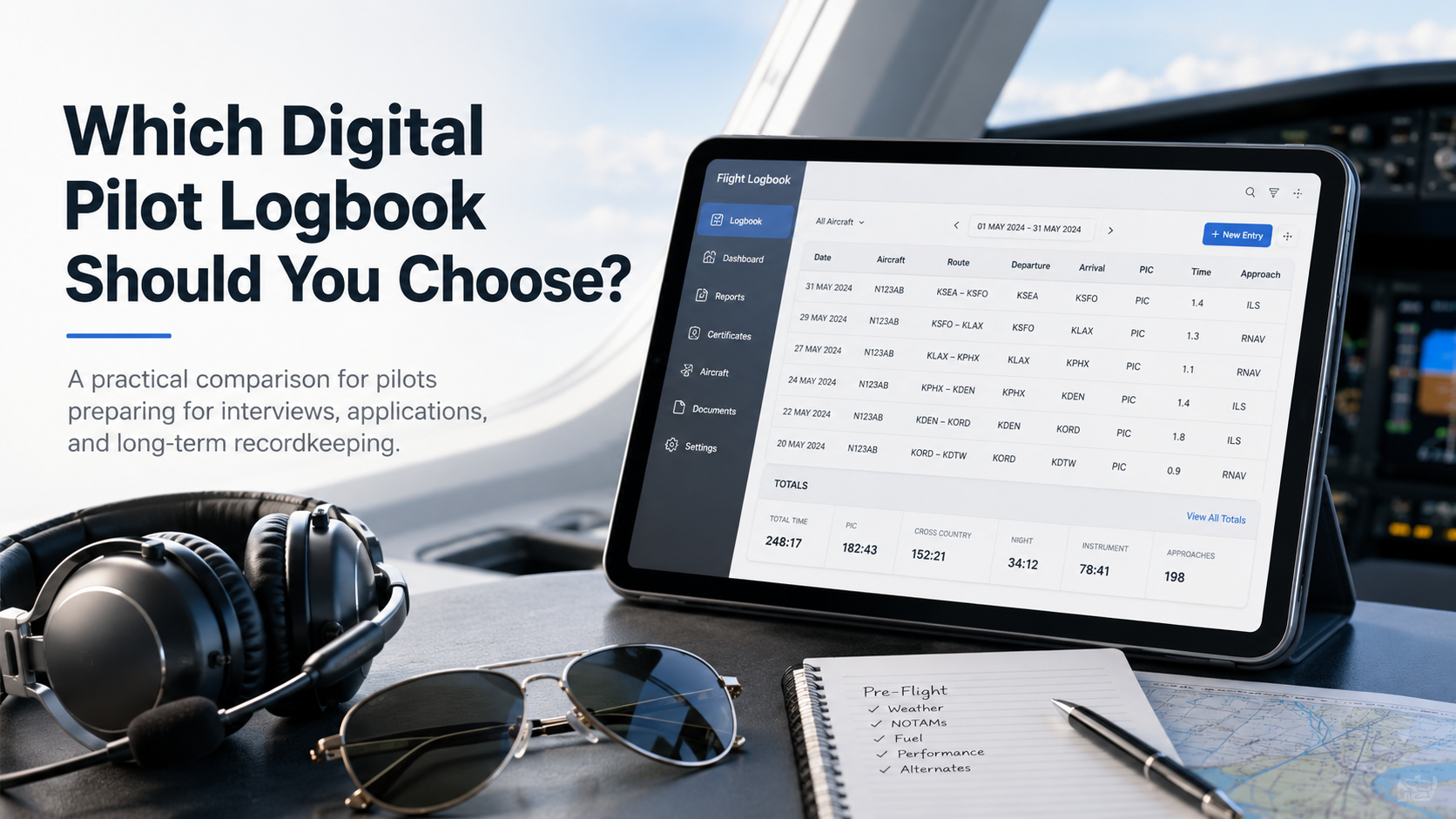
Which Digital Pilot Logbook Should You Choose?
Ask ten pilots which logbook app is best and you'll get ten answers, usually delivered with the certainty of a stabilized approach. The truth is less dramatic: there's no single best digital pilot logbook. There's the one that fits your flying, your devices, and your career plan — and the wrong one can mean years of frustrating data entry or, worse, a messy record when you're trying to get hired.
This guide skips the hype. First, the factors that actually matter when you're choosing. Then an honest look at the major apps in 2026 — what each does well, where each falls short, and who it's really for. And finally, clear picks by pilot type, so you can stop researching and start logging.
The Quick Answer
If you want a recommendation before the details:
Airline-bound pilots in the Apple ecosystem: LogTen Pro is the long-standing professional standard.
Airline pilots who want cross-platform support and automatic roster import: Wingman, at a lower price.
Part 121 pilots focused on duty and rest legality: APDL.
Pilots who already use ForeFlight as their EFB: ForeFlight's built-in logbook.
Budget-conscious students and GA pilots: MyFlightbook, which is genuinely free.
European / EASA-format pilots: CrewLounge PILOTLOG.
Now here's how to make the choice with confidence — and why the app matters less than what you put in it.
First, Are Digital Logbooks Even Legal?
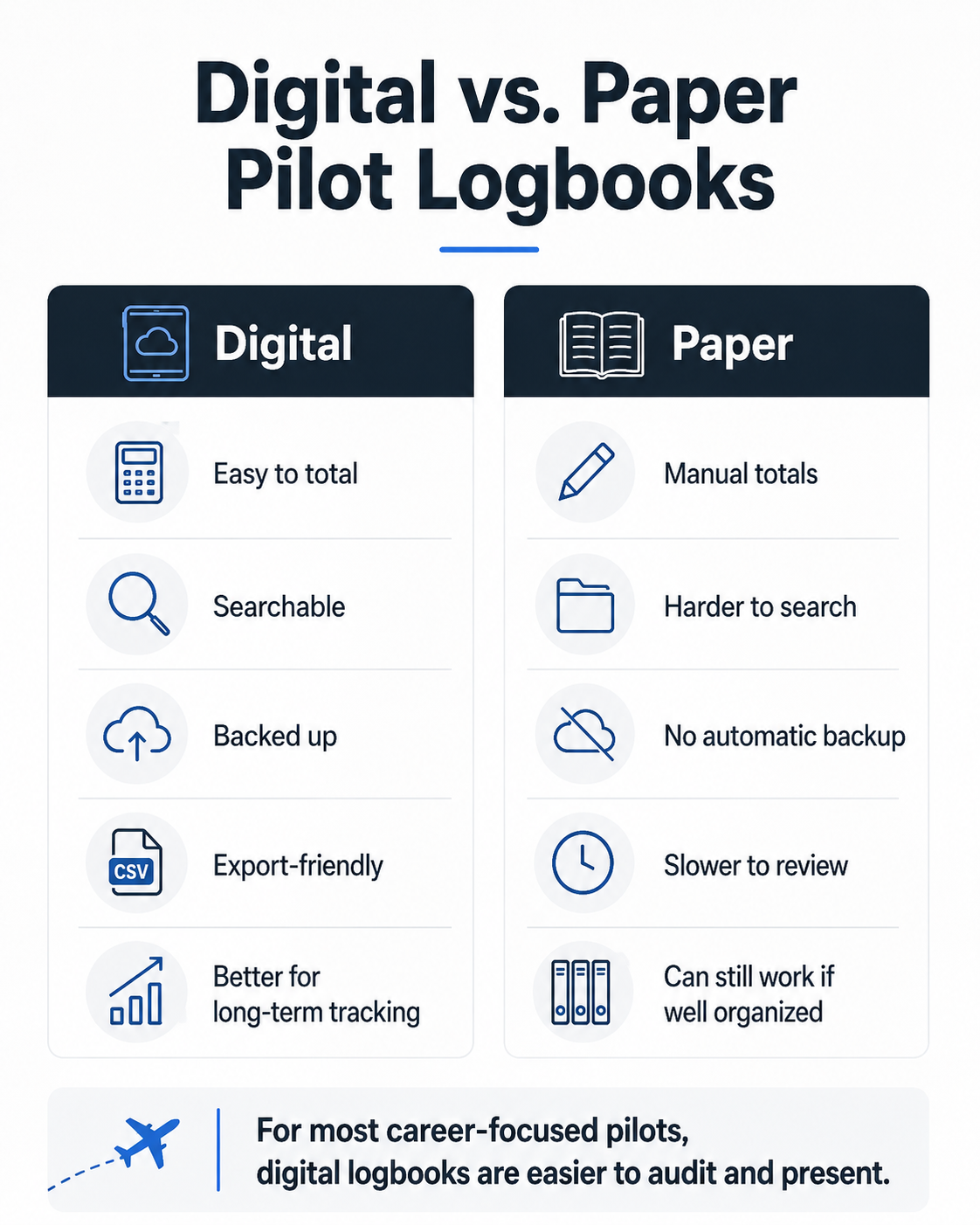
Yes. The FAA accepts electronic logbooks under 14 CFR 61.51, with the same legal standing as paper. For pilots flying under European rules, EASA accepts electronic logbooks provided they can produce a printout in the standard format on request. So the paper-versus-digital question isn't about legality — it's about accuracy, convenience, and how easily you can present your record when it counts. (For more on that trade-off, see our guide on paper vs. digital logbooks for airline interviews.)
The 7 Factors That Actually Matter
Before comparing apps, get clear on what you're optimizing for. These seven factors decide whether an app will serve you for one rating or a whole career.
1. Platform. This is the biggest dividing line. Several of the most popular apps — LogTen Pro among them — are Apple-only. If you carry an Android phone or work on a Windows laptop, those apps are off the table or crippled. Cross-platform options exist, but you trade some polish for the flexibility. Decide what devices you'll actually use over the next decade, not just today.
2. Cost over a career. A subscription that looks cheap by the month compounds over a flying career. A premium app at around $130 a year approaches roughly $4,000 across a 30-year career, while a free app costs nothing. That doesn't make the premium app wrong — automation and reporting can be worth it — but be honest about the lifetime number, not just the sticker.
3. Automation. The feature that separates apps most visibly is how much typing they save you. The best professional apps import your airline roster automatically or pull details from GPS tracks and filed flight plans. For a busy line pilot, roster import alone can save hours a month. For a student flying a few times a week, it matters far less.
4. Reporting. When you apply to an airline or need an 8710 form, you want reports that generate cleanly and match what the recipient expects. Strong reporting — including airline-application formats and standard FAA forms — is where career-focused apps earn their price.
5. Data portability. This one is non-negotiable and the most overlooked. Before you commit, confirm the app exports clean CSV and PDF. Apps shut down. Companies get acquired. iOS updates occasionally break things. If you can't get your data out, you don't really own your record. Never lock yourself into a vendor with no export path.
6. Endorsements and signatures. If you're a student or instructor, digital instructor signatures and a solid endorsement library matter. Some apps ship dozens of endorsement templates; others treat it as an afterthought.
7. Regulatory format. FAA and EASA logbooks are structured differently — EASA splits engine time into more categories and tracks function time across more roles. Most apps handle FAA and EASA, but if you fly under another authority (Transport Canada, UK CAA, CASA, and others), your choices narrow considerably. Confirm your authority is supported before committing.
The Major Digital Pilot Logbooks in 2026
Pricing below reflects 2026 figures and can change — always confirm current pricing and features on the vendor's site before subscribing.
LogTen Pro — The professional Apple standard
The reference logbook for Apple-using professional pilots for two decades, now backed by Flight Schedule Pro since a 2022 acquisition. It runs natively across iPhone, iPad, Mac, and Apple Watch, synced through iCloud, and is used by a very large base of pilots worldwide.
Strengths: A polished, Apple-native experience; strong automation including a crew-schedule importer covering 100-plus formats; extensive reporting including 8710 forms and airline-application formats; excellent currency and duty tracking; automatic night-time calculation. The first 50 hours are free, which covers much of early training.
Limitations: Apple-only — no Android, no native Windows. Subscription cost compounds over a career. Pilots who later switch away from Apple must migrate.
Price (2026): First 50 hours free; roughly $79.99/year (Basic) to $129.99/year (Pro), with a higher business tier.
Best for: Career-track and airline pilots living in the Apple ecosystem who want the most refined logging experience and deep reporting.
ForeFlight Logbook — Best if you already use ForeFlight
If ForeFlight is already your electronic flight bag, its built-in logbook is a natural fit. It auto-populates entries from your filed flight plans, includes a large library of endorsement templates, and benefits from the stability of a Boeing-backed platform.
Strengths: Seamless integration with the ForeFlight EFB; auto-population from flight plans; strong endorsement library; reliable and well-supported.
Limitations: The logbook is not sold standalone — you're paying for the whole EFB suite to use it. No Android support. Analytics are lighter than a dedicated professional logbook. If you use a different EFB, the logbook alone doesn't justify the cost.
Price (2026): Bundled with ForeFlight subscriptions, roughly $130–$390/year depending on tier; no separate logbook price.
Best for: US general aviation and instrument-rated pilots already paying for ForeFlight who want their logbook in the same place.
APDL — Built for Part 121 airline life
The Airline Pilot Logbook (APDL) is purpose-built around 14 CFR Part 117 scheduled airline operations. Beyond logging, it handles flight- and duty-time legality in real time, rest requirements, payroll tracking, schedule imports, and legality alerts.
Strengths: The deepest duty/rest legality and payroll tooling of any consumer logbook; highly customizable to an individual airline pilot's operation; schedule import and real-time legality calculations.
Limitations: Overkill for anyone not flying Part 121; Apple-focused; a learning curve that reflects its depth.
Best for: Airline pilots who want their logbook and their Part 117 legality/pay tracking in one tool.
Wingman — Cross-platform, roster import, fair price
A newer entrant that punches above its weight for airline pilots who aren't wedded to Apple. It runs on iOS, Android, and the web, imports rosters automatically from many airlines, and prices aggressively. Its free tier is unusually generous.
Strengths: True cross-platform support; automatic roster import from many airline systems; broad support for global aviation authorities; a very generous free tier (up to 250 hours); low subscription price.
Limitations: A smaller brand and user community than LogTen; the website is less polished than the app; roster import is the killer feature, so GA pilots benefit less.
Price (2026): Free up to 250 hours; roughly $59/year for Pro.
Best for: Airline or airline-bound pilots who want cross-platform access and roster import without a premium price, especially Android users.
MyFlightbook — The genuinely free option
Open-source and free since 2006, with no ads and no upgrade tier, funded by donations. It runs on web, iOS, and Android, supports simulator entries and instructor e-signatures, and — importantly — guarantees data portability.
Strengths: Completely free with no limits; cross-platform; reliable; strong data portability through its open-source nature; handles endorsements and signatures.
Limitations: Less polished than premium apps; fewer of the advanced automation and analytics features career pilots may eventually want.
Best for: Students, budget-conscious GA pilots, and anyone who prizes free, portable, no-lock-in recordkeeping.
CrewLounge PILOTLOG — Strong for EASA pilots
Popular among European airline pilots, with robust EASA-format logging and a free tier for student pilots. Cross-platform, with affordable paid tiers.
Strengths: Excellent EASA-format support; free Student tier; cross-platform; multiple airline profiles.
Limitations: Less familiar to US-only pilots; interface has a learning curve.
Best for: EASA-regulated pilots and those who need strict Part-FCL formatting.
Others worth knowing
Garmin Pilot includes a logbook within its EFB ecosystem (iOS and Android) — sensible if you already fly with Garmin. ZuluLog is a low-cost, web-based option. Logbook Pro pairs a mobile app with a powerful desktop companion known for reporting depth and customization. Safelog and FlyGo round out the career-aviator and universal categories. As always, the right pick depends on your platform, budget, and how much automation you need.
How to Choose, by Pilot Type
Student pilot: Start free. MyFlightbook or a generous free tier (Wingman, LogTen's first 50 hours, CrewLounge's student tier) covers training with no cost. Prioritize clean endorsement handling and instructor signatures. You can always migrate later — just make sure your pick exports cleanly.
General aviation / recreational: If you already use an EFB (ForeFlight or Garmin), the built-in logbook is the path of least resistance. If not, MyFlightbook keeps it free and portable.
Time-builder / CFI heading to the airlines: Think about the destination now. Pick something with strong reporting and airline-application formats so your record is interview-ready when you get there. LogTen Pro (Apple) or Wingman (cross-platform) are natural fits, and both scale from CFI life into airline flying.
Airline pilot: LogTen Pro if you're all-in on Apple and want the polished standard; Wingman if you want cross-platform access and roster import at a lower price; APDL if Part 117 duty/rest and pay tracking are your priority.
EASA pilot: CrewLounge PILOTLOG or another app with explicit, well-supported Part-FCL formatting.
Military pilot transitioning to the airlines: Your challenge is less about the app and more about converting years of military records into clean civilian categories first. Choose a portable app with strong reporting, then focus on getting the conversion right — see our guide on converting military flight records into a civilian logbook.
The Thing That Matters More Than the App
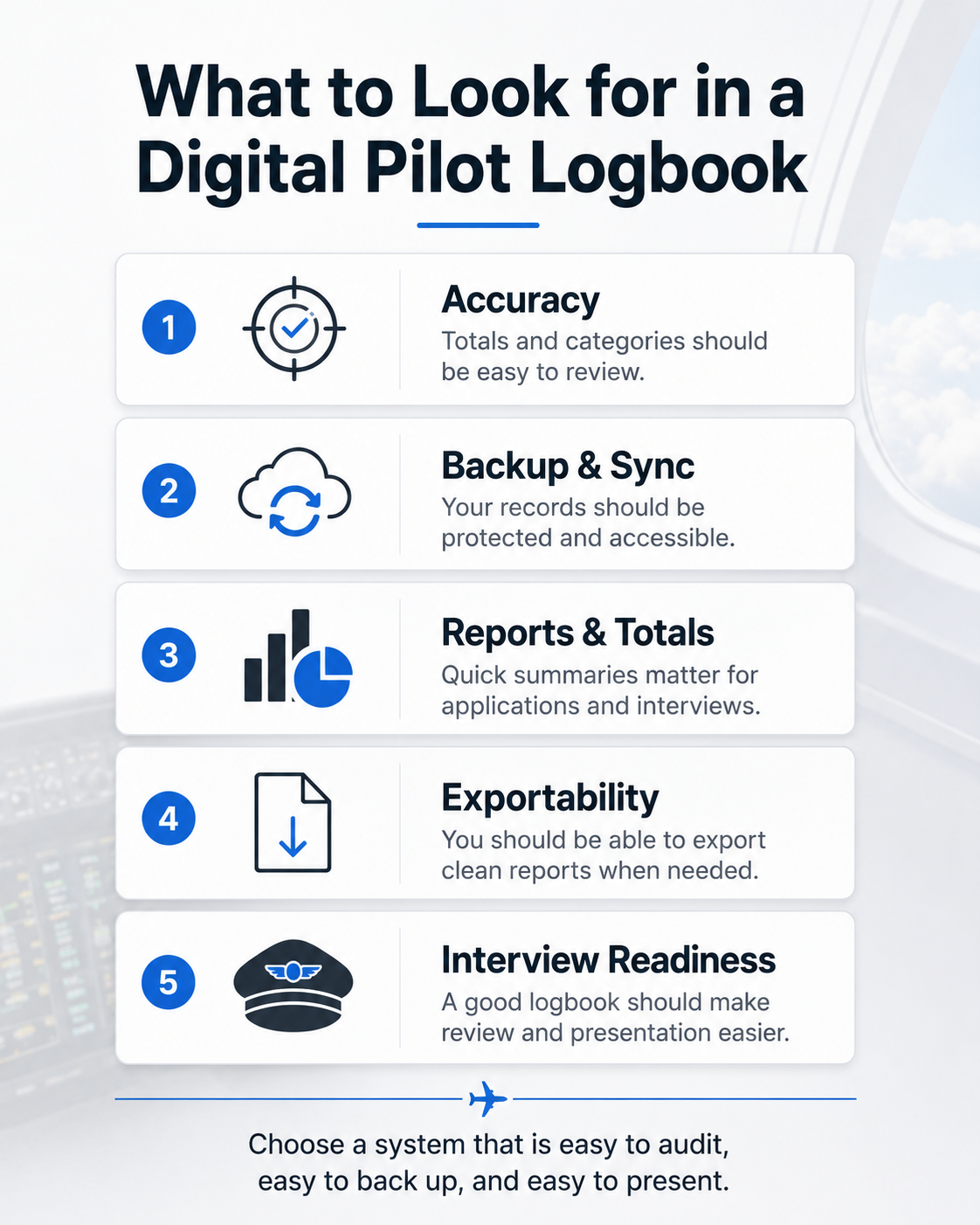
Here's what the app comparisons rarely say plainly: the software totals flawlessly, but it can only work with what you feed it. A polished app filled with mislogged PIC time, misclassified categories, or entries that don't reconcile will produce a clean-looking record that is confidently wrong — and that's exactly what gets flagged when an airline reviews it. The app is the container. The accuracy is on you.
This is why two things deserve as much attention as your app choice:
Getting your existing records in cleanly. If you're moving from paper — or from a shoebox of records that were never properly kept — the migration is where errors are born. Rushing years of handwritten entries into a new app usually just digitizes the mistakes. PilotAudit's professional logbook conversion transcribes and organizes your records into a clean digital logbook that preserves your source data, so you start your new app with an accurate foundation rather than a mess.
Verifying the record before it matters. Whatever app you land on, a professional review before a checkride or interview catches the totals that don't reconcile, the PIC/SIC entries that don't hold up, and the inconsistencies you can't see because you're too close to them. PilotAudit's Professional Pilot Logbook Audit is that second set of eyes. And when it's time to interview, the Pilot Interview Logbook Prep Package formats your digital record into a clean, tabbed binder built around your target airline.
Pick the app that fits your flying. Then make sure what's inside it is accurate — because that's the part a recruiter actually judges. For more, see our guides on how to prepare your pilot logbook for an airline interview and common logbook mistakes that raise red flags.
Frequently Asked Questions
Are digital pilot logbooks legal for the FAA? Yes. The FAA accepts electronic logbooks under 14 CFR 61.51, with the same legal standing as paper. You must still be able to produce your records when required, so choose an app that reliably exports and backs up your data.
What is the best digital logbook for airline pilots? It depends on your platform. LogTen Pro is the long-standing professional standard for Apple users. Wingman is a strong cross-platform choice with automatic roster import at a lower price. APDL is best if you want Part 117 duty/rest legality and pay tracking built in.
Is ForeFlight's logbook worth it? If you already pay for ForeFlight as your EFB, its logbook is a convenient, well-integrated option that auto-populates from flight plans. If you don't use ForeFlight otherwise, you'd be buying the whole EFB suite just for the logbook, which usually isn't worth it — a dedicated logbook app makes more sense.
Is there a free pilot logbook app? Yes. MyFlightbook is genuinely free, open-source, and cross-platform with no upgrade tier. Several paid apps also offer generous free tiers — Wingman up to 250 hours, LogTen Pro for the first 50 hours, and CrewLounge for student pilots.
Can I switch logbook apps later without losing data? Usually, if both apps support CSV import and export. Data portability is the single most important thing to confirm before committing. If you're migrating years of paper or messy records, consider a professional conversion so errors aren't carried into the new app.
Does the logbook app I choose affect my airline application? Not directly — airlines care about the accuracy and presentation of your record, not the brand of app. What matters is that your totals reconcile, your categories are correct, and you can produce a clean, professional printout when asked.
PilotAudit reviews, organizes, formats, and converts pilot logbook records based on the documents you provide. App names and pricing are referenced for general comparison and may change; confirm current details with each vendor. You remain responsible for verifying the accuracy, completeness, and legality of all entries and totals. PilotAudit is independent and not affiliated with the apps listed, and does not guarantee interview or hiring outcomes.
